Computer Vision Engineer / Sr. 3D Generalist Get in touch
Agentic AI Pipeline
An Agentic Pipeline for Gaussian Splat Scene Segmentation
One Gaussian splat in, one per-object splat out. No COLMAP, no poses, no hand-labeling, no prompts. A local Qwen 3.6 directs the loop: it decides what is in the room, gsplat renders views, SAM3 masks them, and visual hulls project the masks back into 3D and carve each object out of the scene. The output is a per-object splat for every identifiable piece of furniture and decor, plus a separated background.
Highlights
Before & After
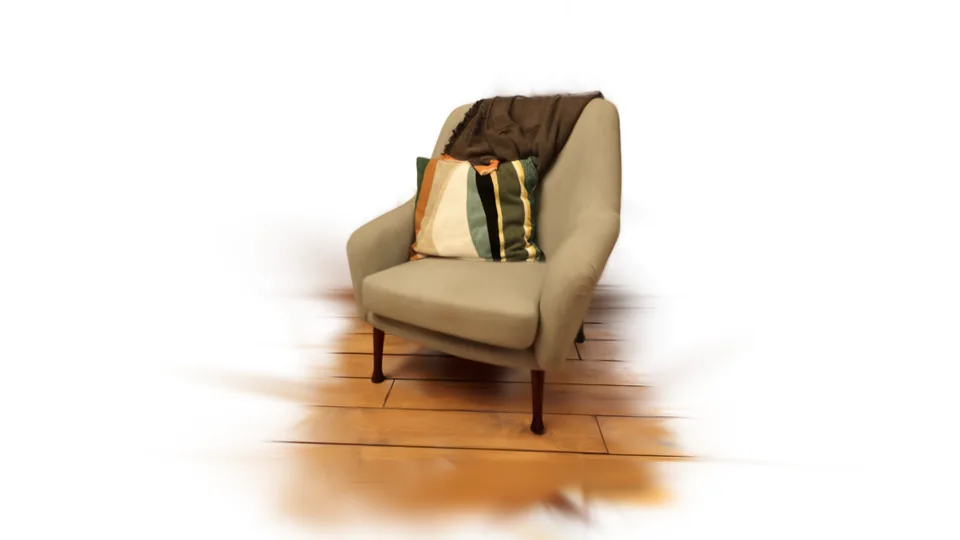
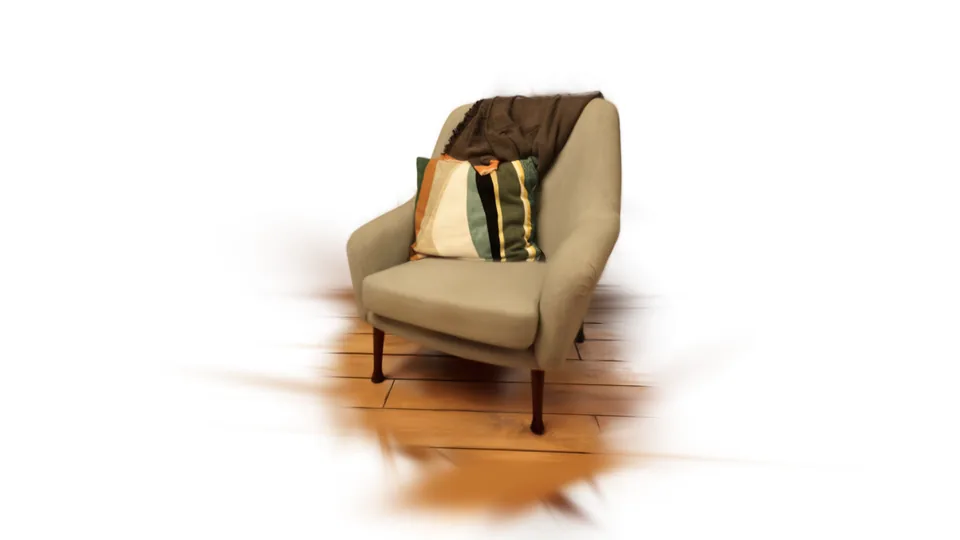
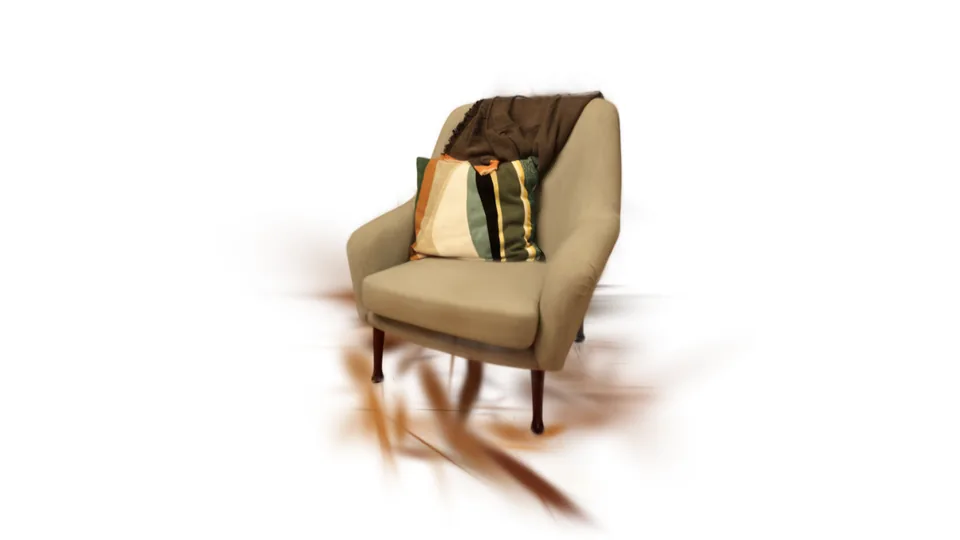
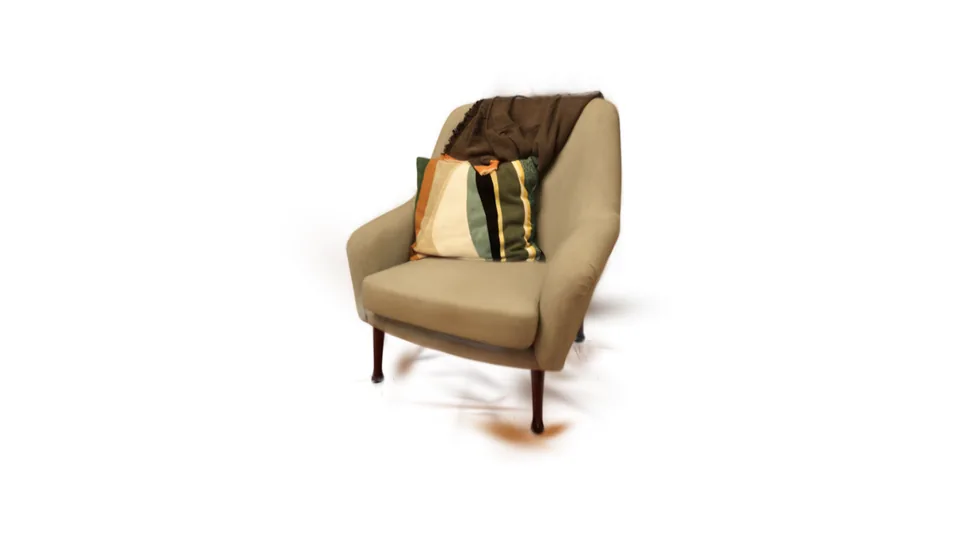
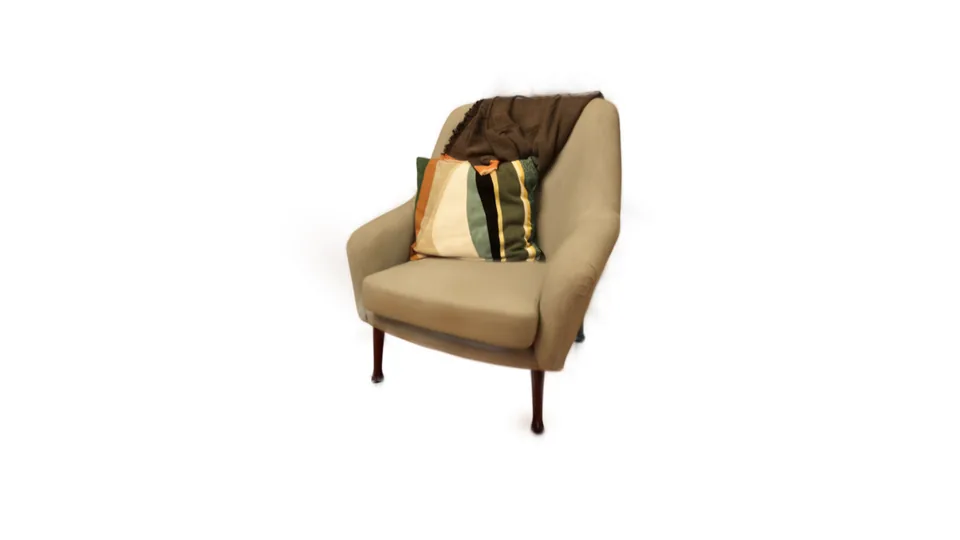
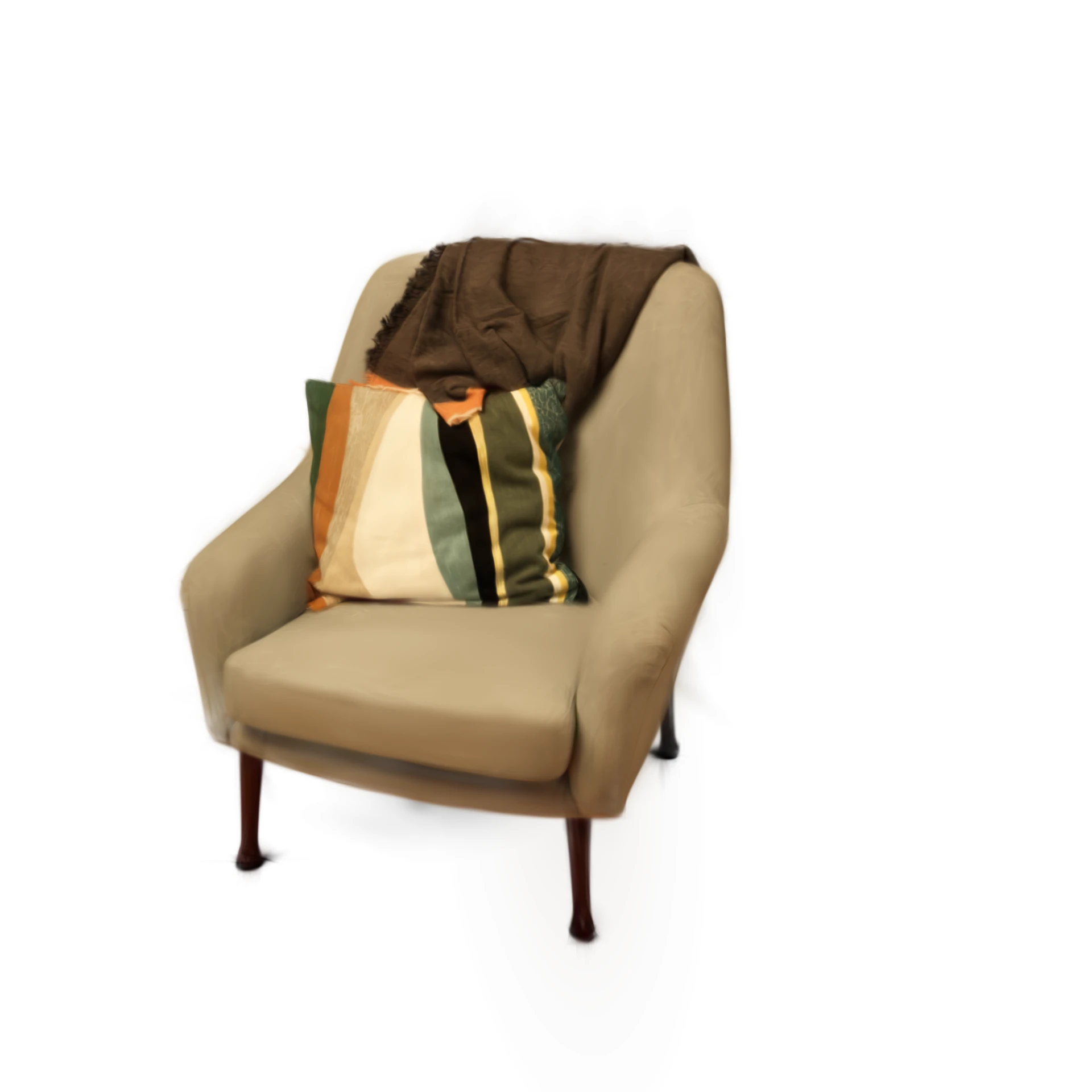
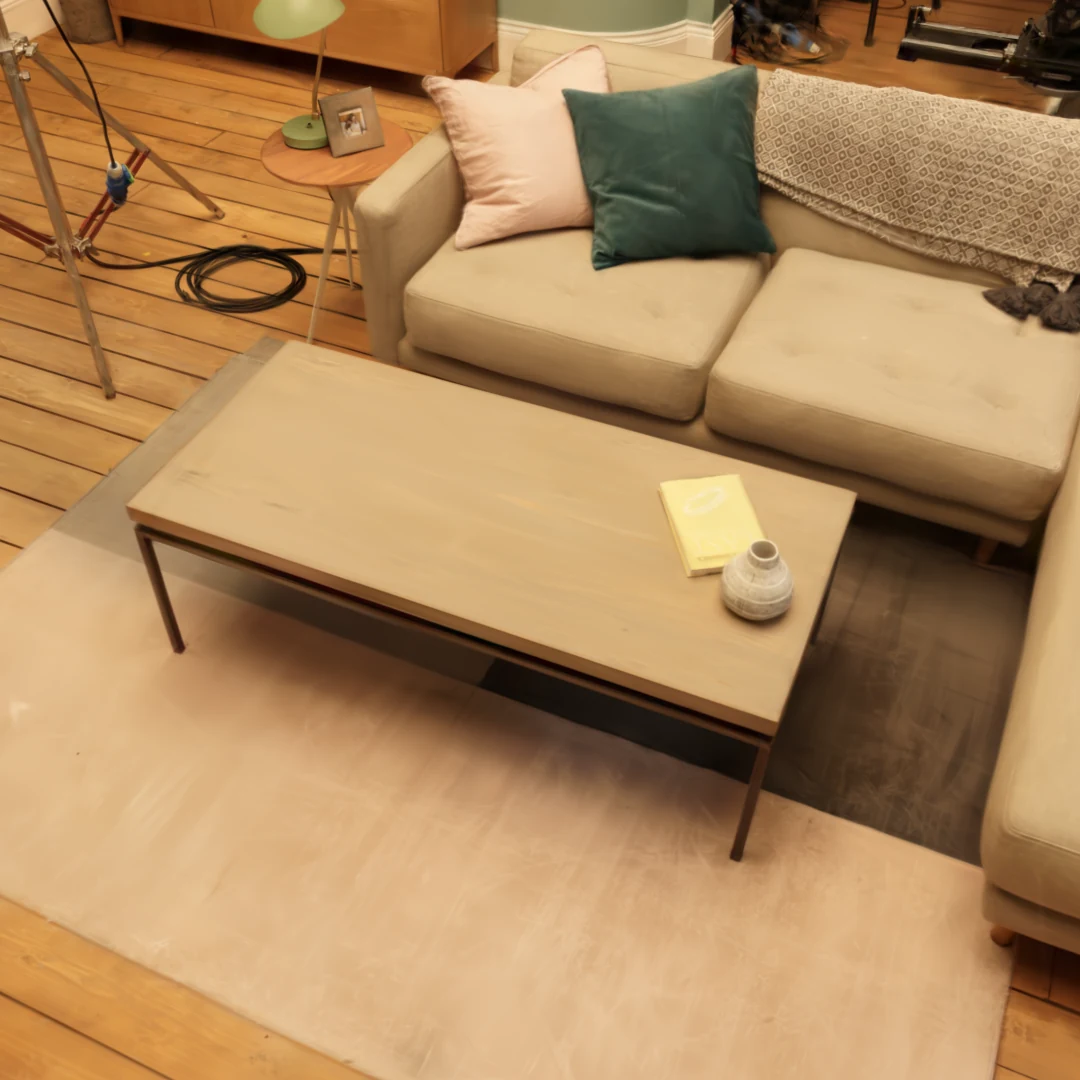
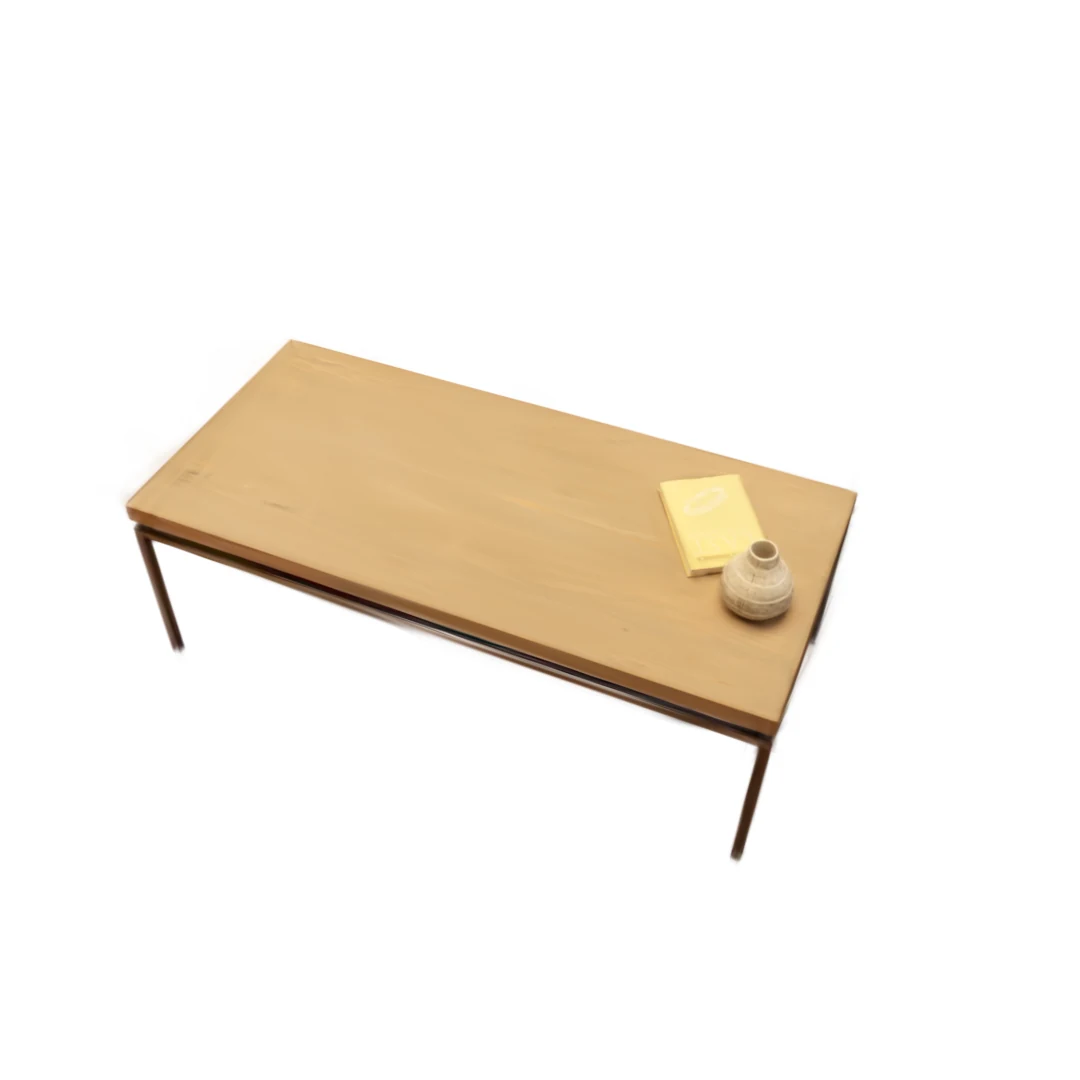
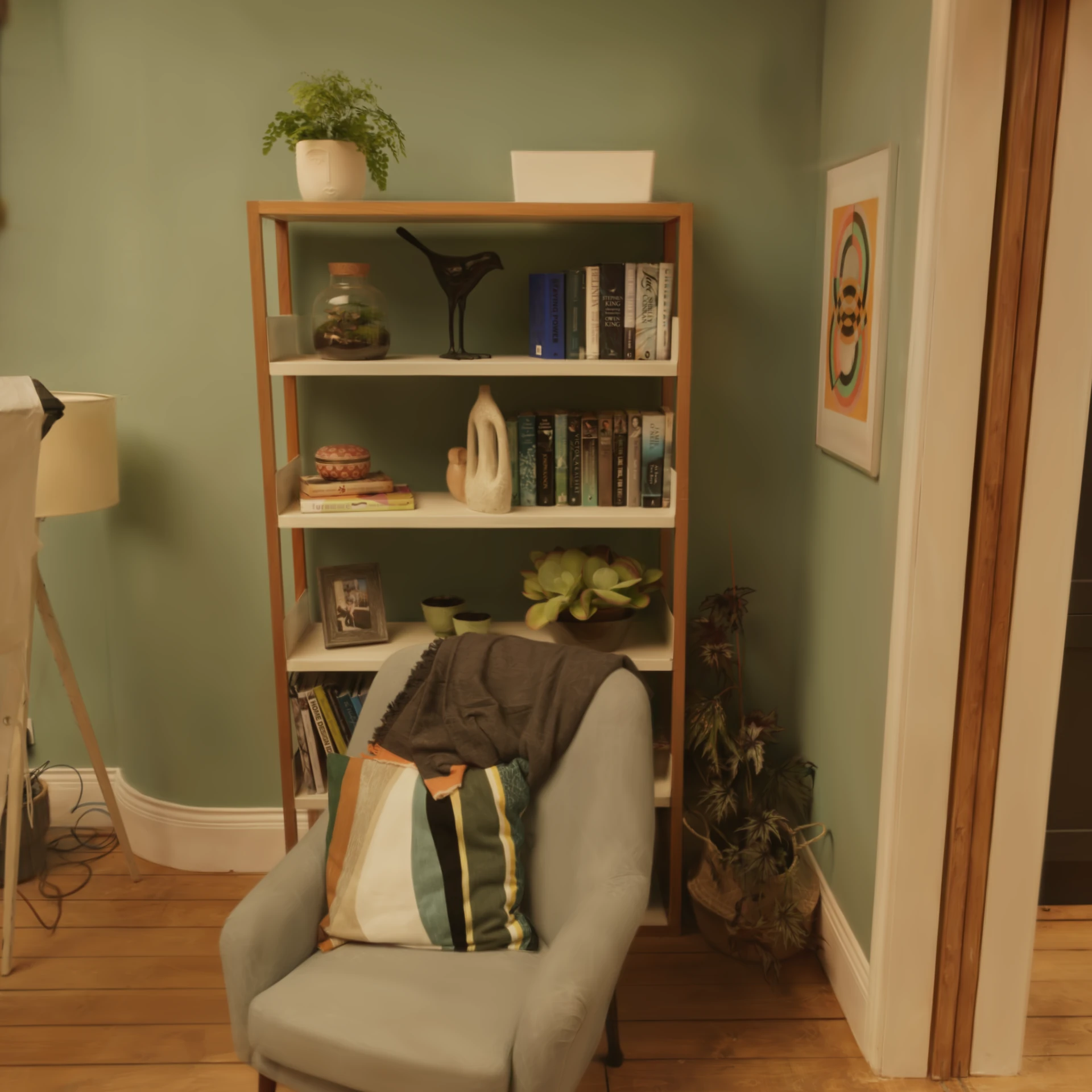
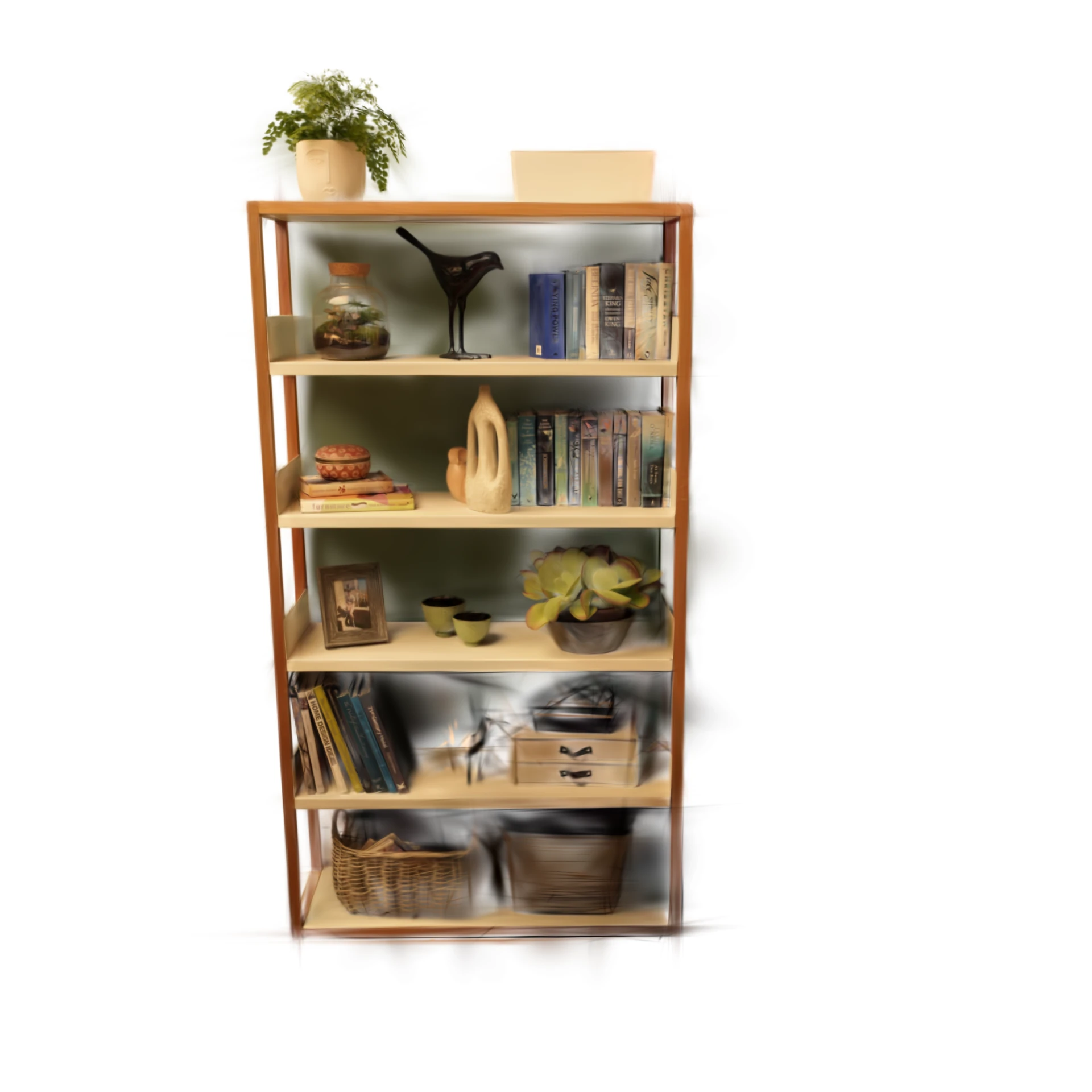
Three objects are pulled from the same scan. Drag to compare the original vs extracted versions.
Grey armchair
ExtractedOriginal scan
Wooden coffee table
ExtractedOriginal scan
Light-wood bookshelf
ExtractedOriginal scan
Step 0 · Foundation
Squaring Up the Raw Scan
The pipeline checks and orients the scene so every scan ends up in one consistent frame: it rotates the scene y-down, levels the floor to true horizontal, squares the walls to the world axes, and strips capture noise. Everything downstream assumes this clean, axis-aligned frame. A few degrees of leftover tilt would skew every render and every mask that follows.
Phase 1 · Agentic Inventory
Qwen 3.6 Decides What is in the Scene
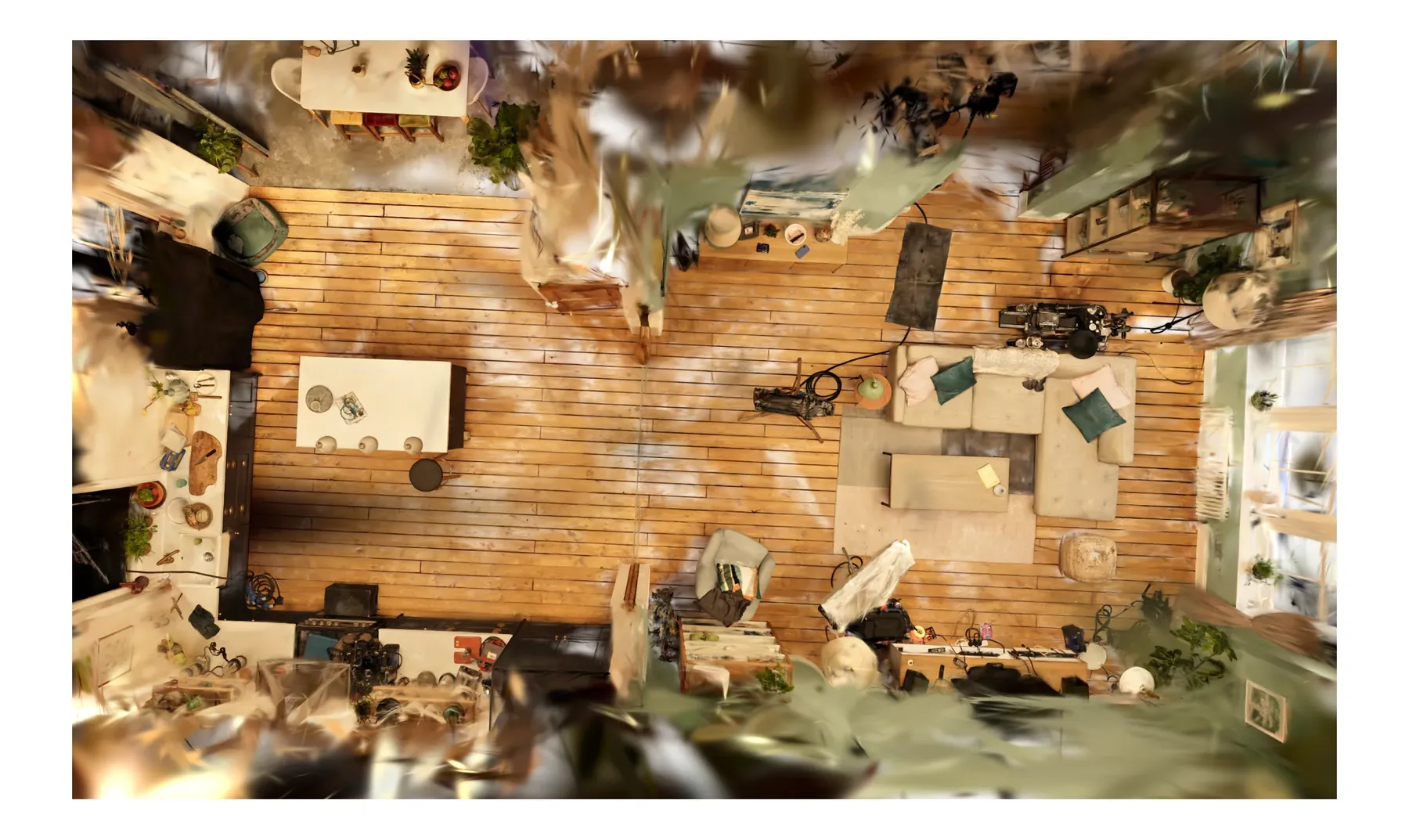
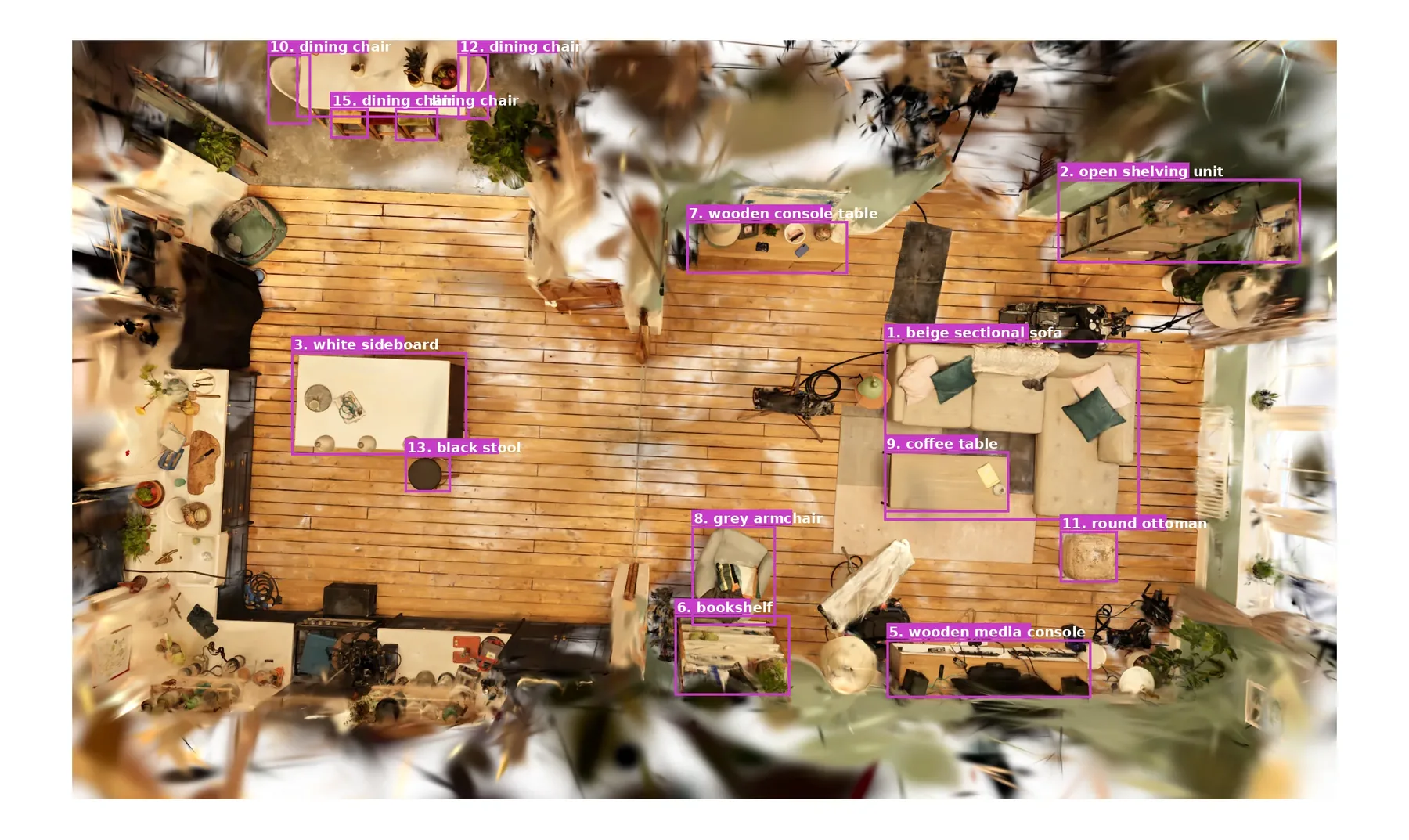
The pipeline takes inventory. Qwen labels the room type to pick the right detection categories. The ceiling is sliced away, gsplat renders an overhead view, and Qwen scans it in multiple category passes. A cross-pass IoU merge removes duplicates, producing one labeled list of objects, each with a box. That list drives Phase 3.
Topdown render: raw ↔ Qwen overlay
With boxesRaw topdown
Phase 2 · Diorama detection
Eye-Level Passes for What the Topdown Misses
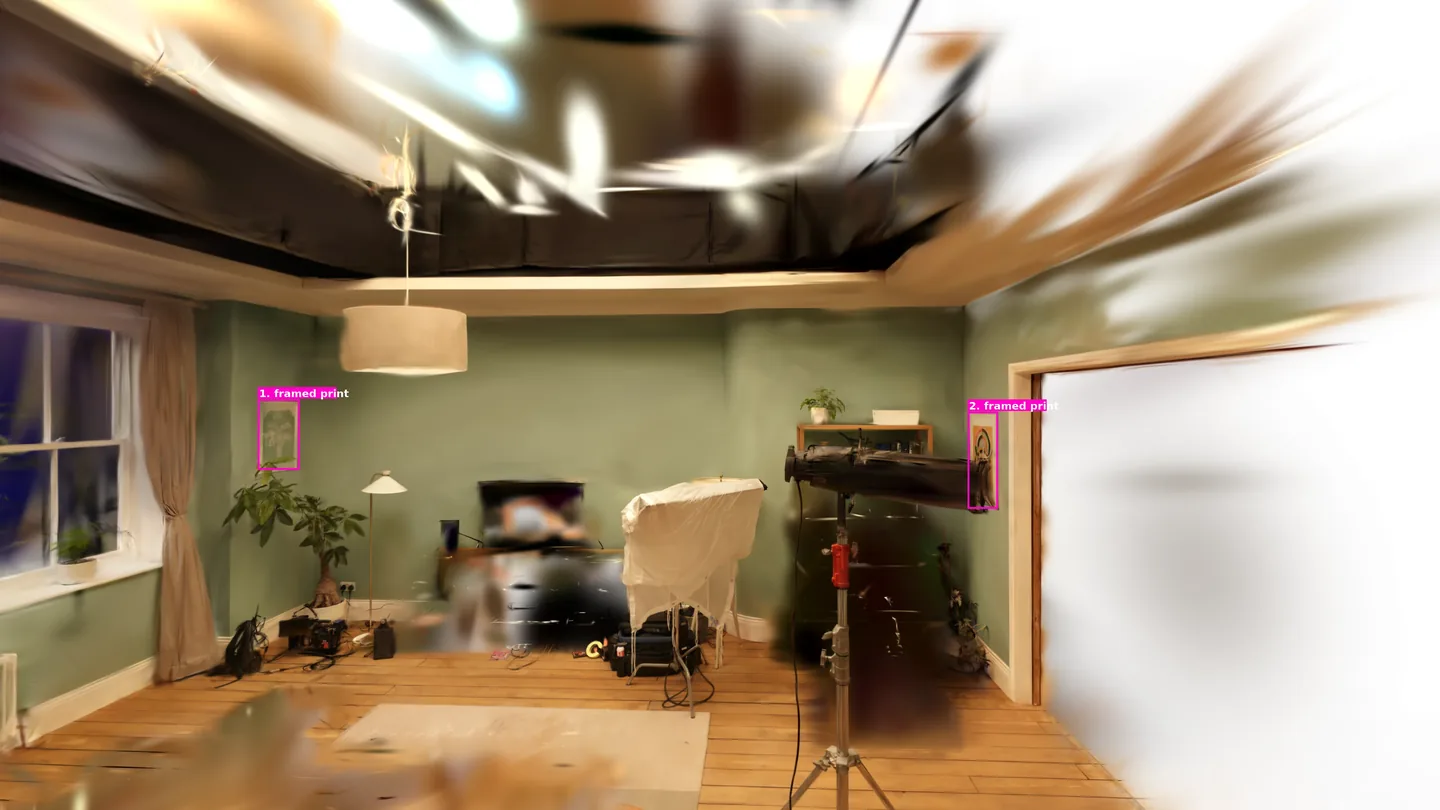
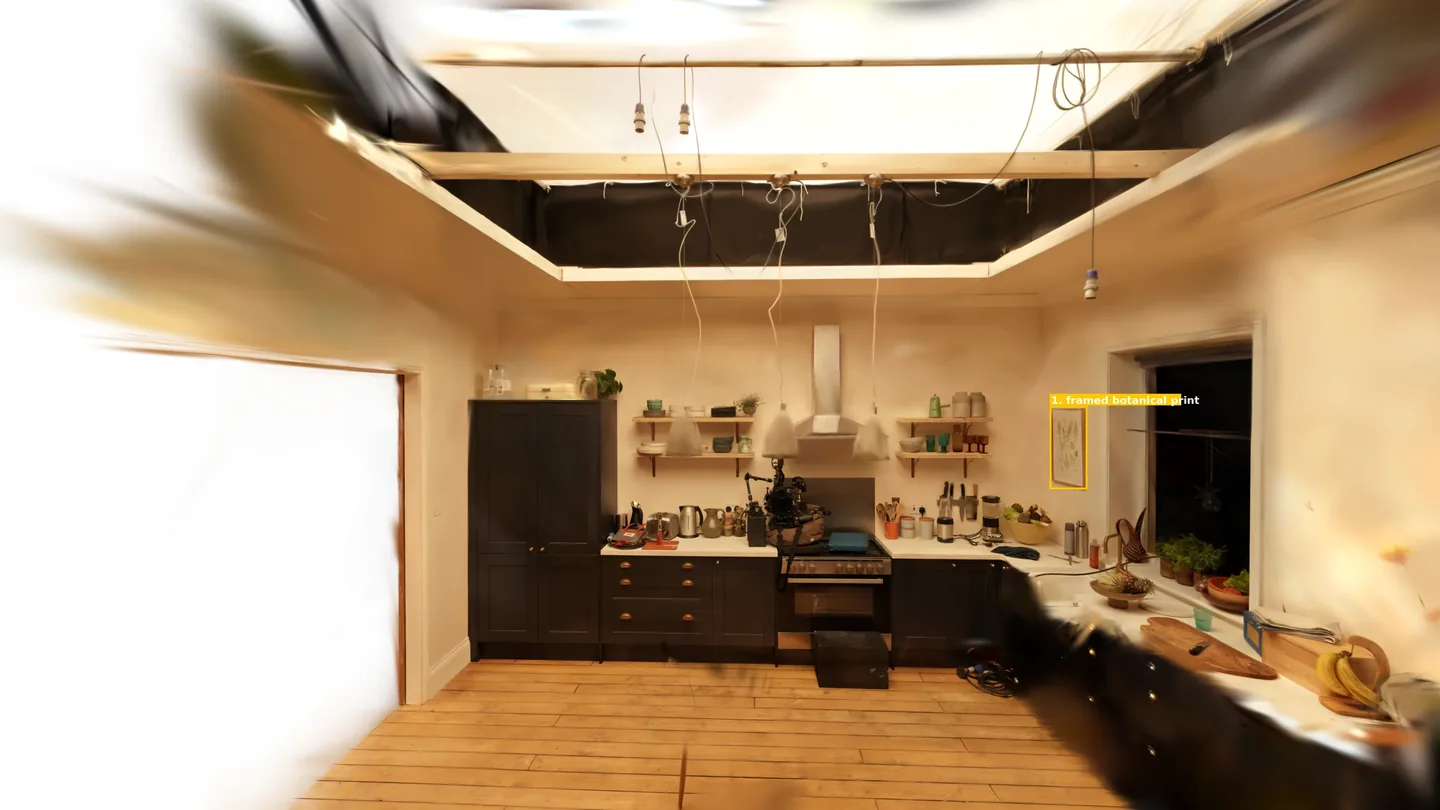
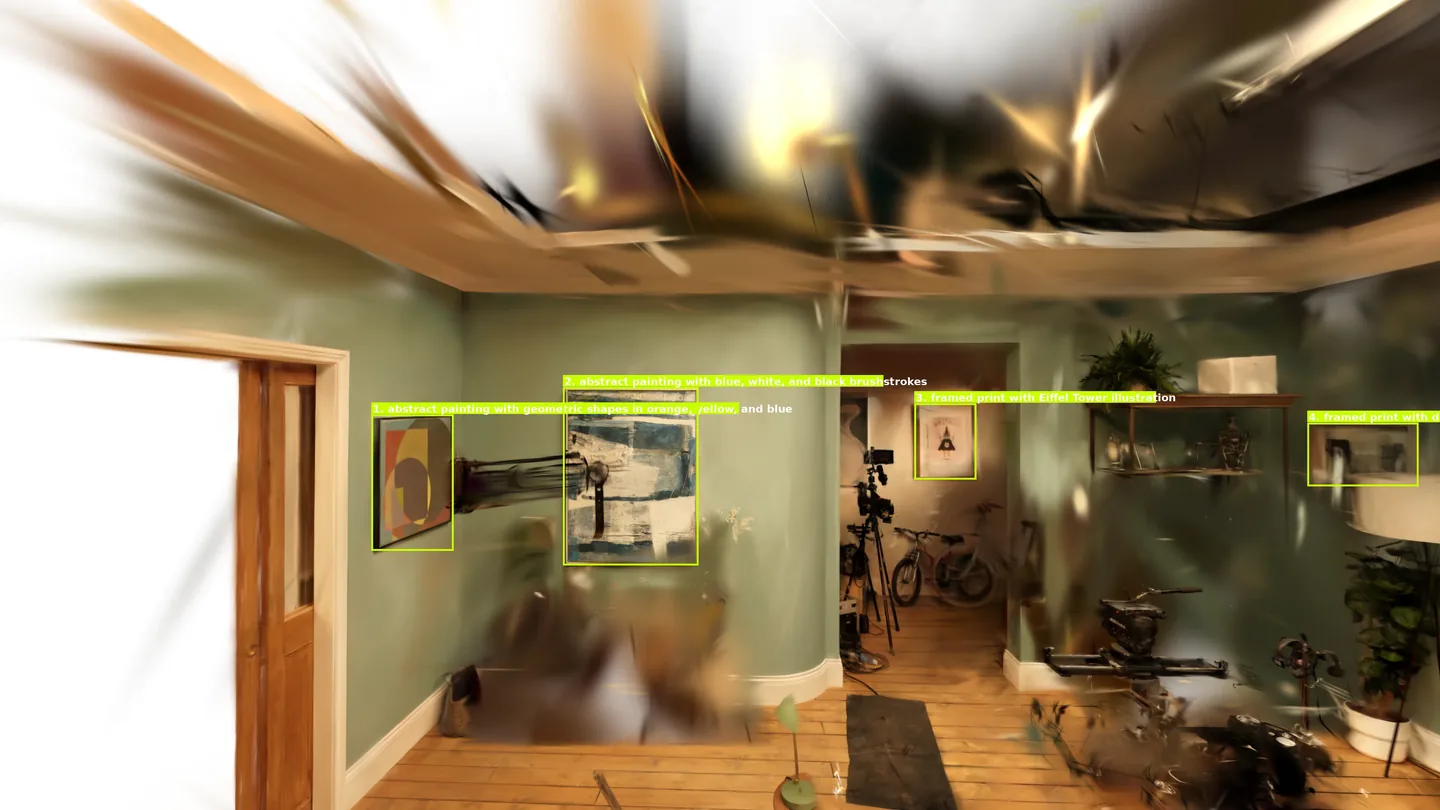
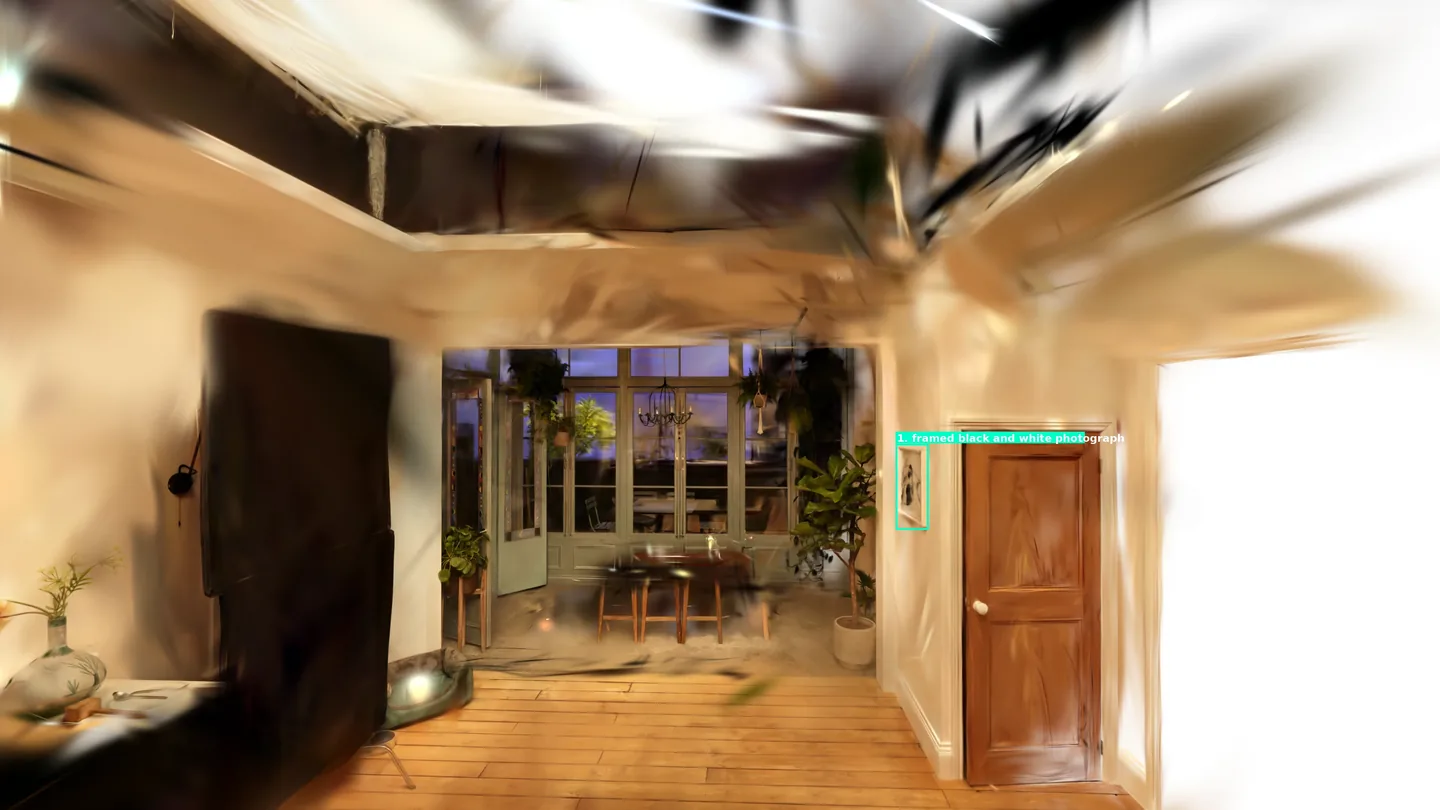
The topdown cannot see wall-mounted items or objects hidden under furniture. Gsplat renders four eye-level dioramas, one toward each corner of the room. Qwen runs two passes on each: one for wall-mounted items, one for anything the overhead view missed. New detections join the inventory and feed into Phase 3.
NW quadrantNE quadrantSW quadrantSE quadrant
Phase 3 · Per-object extraction
Carving Each Object Out of the Splat
Every inventory item runs through the same five-stage carve: a coarse visual hull seeded from the detection box, SAM-masked views and tighter hulls that narrow it, a RANSAC pass that removes the floor underneath, and a 360° sweep that recovers parts the first masks missed. Object types that need different handling route to their own specialized chains: TVs, bookshelves, tables, lamps. Qwen then reviews the final 360° renders and writes each splat's name and description into _manifest.json.
Stage 04 tightens the carve. The object is rendered from twenty-eight cameras, SAM3 segments it in each view, and every mask is back-projected along its camera's field of view onto the splat. A splat survives only when enough views agree it falls inside the object. The demo below shows each camera's SAM cut-out projected toward the point cloud. Drag to orbit. Toggle the point cloud, fields of view, and camera icons.
Some splats survive the tight carve: floor points the floor-drop missed, fragments of neighboring furniture, points from the wall behind the object. Stage 05 removes them with a per-splat vote: every camera checks whether the splat falls inside its SAM mask, and the fraction of cameras voting inside becomes the splat's insideness score. Splats below a threshold are dropped. The pipeline renders three candidates at thresholds 0.30, 0.45, and 0.60, where 0.60 is the strictest, and Qwen picks the cleanest of the three.
Interactive Demo
Explore the Pipeline Output
Here is a room processed end to end. Drag to orbit, scroll to zoom, right-click to pan. Double-click any object to focus it. Toggle objects on and off in the Layers panel. After a few moments, the walls dissolve on their own.
One splat in. Per-object splats, a separated background, and a manifest out.
Per-Object Splat
One .splat per item, named from Qwen's review of the final 360° renders.
Object Description
Qwen reviews the final 360° renders of each piece and writes a detailed open-vocabulary description (color, style, material).
Scene Description
A room-level write-up of the captured scene: room type, layout, and the overall feel.
Background Splat
Walls, floor, and ceiling separated and exported as their own splats.
Sub-Object Companions
Items resting on parents extracted on a re-prompt pass.
Manifest
_manifest.json ties it together: each piece's name, object description, scene description, parent class, and QC verdict.
Future Work
Where This Goes Next
The pipeline decomposes a scene end to end; the next round is about measuring it and hardening it.
Quantitative Evaluation
Score per-object IoU against ground-truth instance labels (Replica, ScanNet++) and run head-to-head against existing splat-segmentation methods, turning “it looks right” into measured numbers.
Order-Aware Carve
Subtract each extracted object from the scene before carving the next: cleaner masks, no neighbouring-object bleed, and the leftover splats become the background for free.
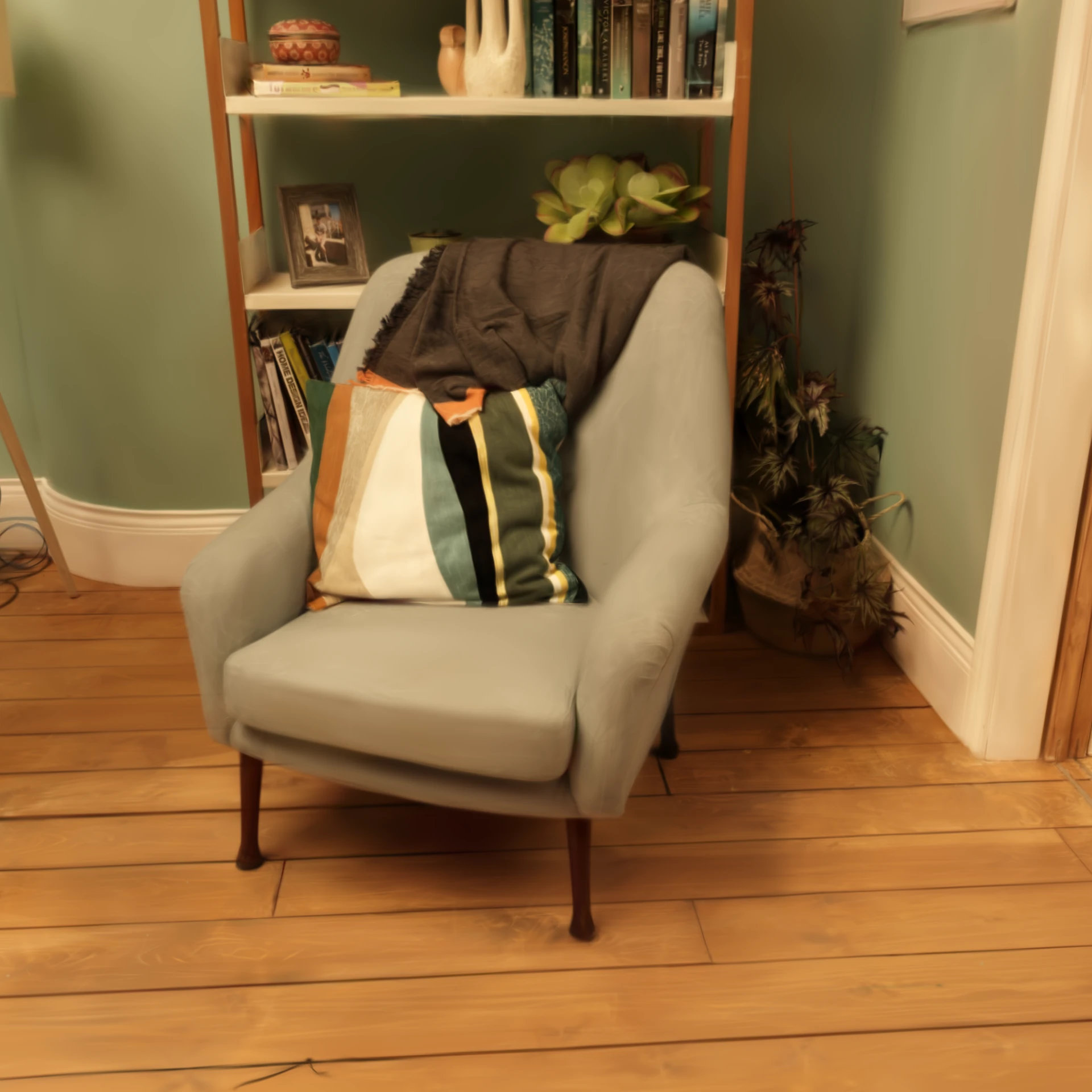
 ExtractedOriginal scan
 ExtractedOriginal scan
 ExtractedOriginal scan